Privacy-first analytics

Simple, privacy-friendly analytics that helps you grow

See traffic, referrers, goals, and conversions without cookies, consent-banner headaches, or GA4 complexity.

Goal tracking that makes sense
No cookies or consent-banner headaches
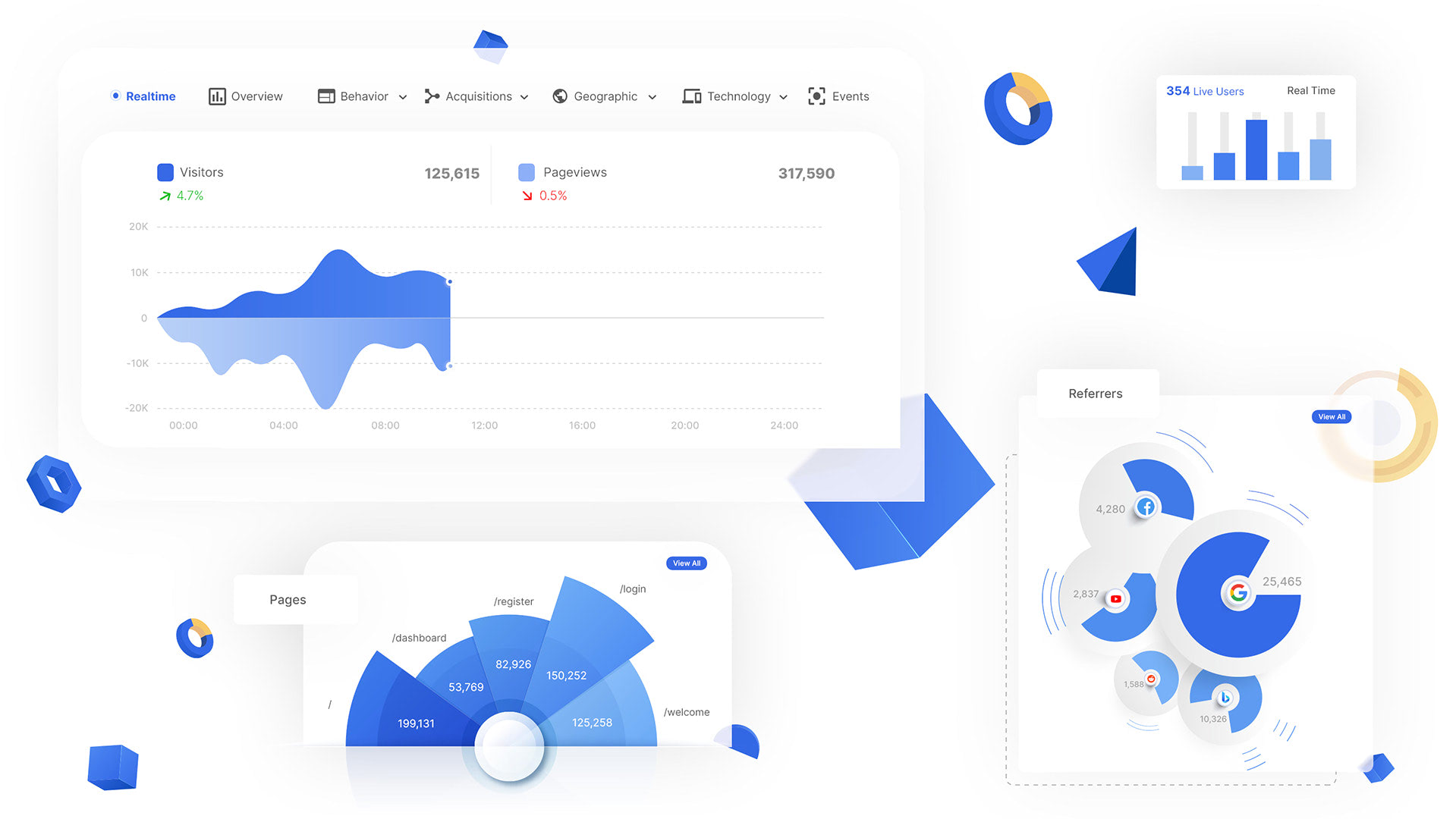
Real-time traffic and referrers

Built for founders, marketers, and agencies who want useful analytics without GA4 bloat.
1 Kb
Fast
EU
Hosted in the EU
Free to start
No credit card required
1
2
3
4
5.0
Rated as the Best Privacy Tool
Read reviews
MicroAnalytics.io dashboard preview
Why teams switch from GA4

The analytics most teams actually need, minus the clutter

Easier to use than GA4
No cookies by default
Goal tracking without event setup chaos
Hosted in the EU
Lightweight script, fast pages
Clear reports for founders, marketers, and agencies

Trusted by teams using

unSpam
designmodo
blocksy
strictThemes
ewd
stocklock

Get started in 3 easy steps...

Step 1

Sign up for free

Create your free account. No credit card required.

Step 2

Add one line of code

Simply add one line of code to your header.

Step 3

Analyze your traffic

Sit back and check your website analytics.

Why us

Useful analytics without the usual privacy tradeoffs

Understand what is working on your site, what is converting, and where visitors come from — while staying privacy-friendly by default.

2K
users
3K
websites
10M+
pageviews
Feature highlight
01

Understand what content and channels are working

  • See your top pages, referrers, campaigns, and traffic sources in one place.
  • Spot what is driving signups, leads, and engagement faster.
  • Make content and marketing decisions without digging through GA4.
Feature highlight
02

Track conversion goals without GA4 complexity

  • Create goals that match your business, from signups to demo requests to purchases.
  • See which pages and traffic sources lead to conversions.
  • Get the useful parts of classic analytics goals without the setup pain.
Feature highlight
03

Keep the depth, lose the bloat

  • See device, browser, operating system, location, events, and exports when you need them.
  • Use a lightweight script that does not slow your site down.
  • Export your data anytime so you stay in control.
Feature highlight
04

Built for privacy-conscious teams

  • No cookies, no fingerprinting, and no creepy visitor profiling.
  • Hosted in the EU and designed around GDPR, PECR, and CCPA compliance.
  • A better fit for founders, marketers, and agencies who want simpler analytics.

Testimonials

Proof that privacy-friendly analytics can still be simple, useful, and client-friendly.

★★★★★
“Beautiful privacy-based analytics solution”
J
Jörg P.
Product Manager
★★★★★
“The best GA4 alternative for my clients”
W
Wolfgang S.
Consulting
★★★★★
“Everything you need but a lot easier to understand”
M
Maarten M.
Consulting

Simple pricing that scales with your traffic

Start free, upgrade when traffic grows, and avoid seat-based pricing surprises.

Monthly Yearly (17% OFF)

Starter.

$9.00

25k pageviews per month

Starter.

$90.00

25k pageviews per month

25,000 pageviews / month
10 websites
Email reports
Data export
API
Most popular

Growth.

$29.00

200k pageviews per month

Most popular

Growth.

$290.00

200k pageviews per month

200,000 pageviews / month
50 websites
Email reports
Data export
API

Pro.

$99.00

1M pageviews per month

Pro.

$990.00

1M pageviews per month

1,000,000 pageviews / month
100 websites
Email reports
Data export
API

FAQs

Do I need a cookie banner to use Microanalytics? +
Microanalytics is built without cookies or fingerprinting, which helps privacy-conscious teams avoid the usual analytics consent-banner setup headaches. You should still make the right compliance decision for your own legal situation.
How is Microanalytics different from GA4? +
Microanalytics is designed to be much simpler to use, easier to understand, and privacy-friendly by default. You get the core traffic and goal insights most teams actually need without the complexity of GA4.
Can I track conversions and custom events? +
Yes. You can track conversion goals and events so you can see what traffic sources, pages, and campaigns are driving results.
How long does setup take? +
Setup only takes a few minutes. Create your account, add one line of code to your site, and your traffic starts showing up in the dashboard.
What happens when I reach my pageviews limit? +
Before your account reaches its pageviews limit in a month we will send you an email letting you know you’ve almost reached your limit. Once your limit is reached your website traffic will not be tracked unless you upgrade your account or wait until the pageview limit resets in the next billing period.